 kalpana
Shopify and WooCommerce brands
Ad creatives for every product in your Shopify store.
Connect your Shopify store to a Figma template and produce feed, story and link ads for every product and size, with prices and images pulled straight from the catalog.
Campaign feed
- Trail Runner$89
- Field Watch 38mm$149
- Studio Over-Ear Wireless Headphones with Active Noise Cancelling$219
- Everyday Knit Sneaker, Recycled Upper$74
312 rows · 3 templates
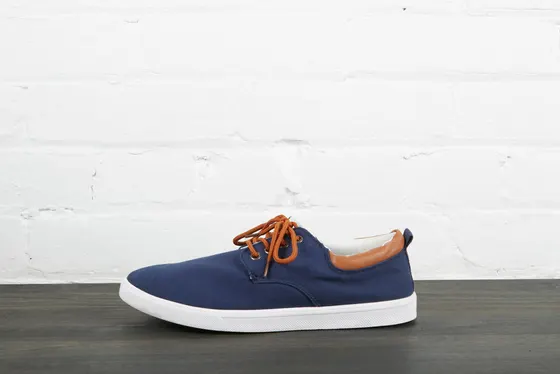
Trail Runner
$89$120
Trail Runner
$89$120
Trail Runner
$89$120
How it works
Four steps, then it runs itself.
- 01
Send the ad design
Push your square, story and link-ad frames from Figma with the plugin.
- 02
Connect the store
Pick a collection. Titles, prices, compare-at prices and images come in as rows.
- 03
Build a campaign feed
Map fields once and attach a template for each ad size to the same feed.
- 04
Preview and generate
Scroll the preview, fix odd rows, then generate the whole collection.
What you get
The pack, not the busywork.
- Feed, story and link-ad sizes per product
- Sale badges only where there is a discount
- ZIP sorted by SKU and size
- MP4 stories from the same rows
What it replaces
Exporting a product sheet, pasting names and prices into copies of a design, checking every file, and doing it again when prices change.
How it works
- Send your ad design from Figma with the Kalpana plugin.
- Connect Shopify and pick a collection.
- Match product fields (title, price, compare-at price, image) to layers.
- Preview every row, then generate all sizes in one batch.
Why the layout holds
Product titles in a real store vary from two words to twelve. Kalpana re-runs your auto-layout for every product, so long titles wrap and push the price down instead of running over it.
Templates
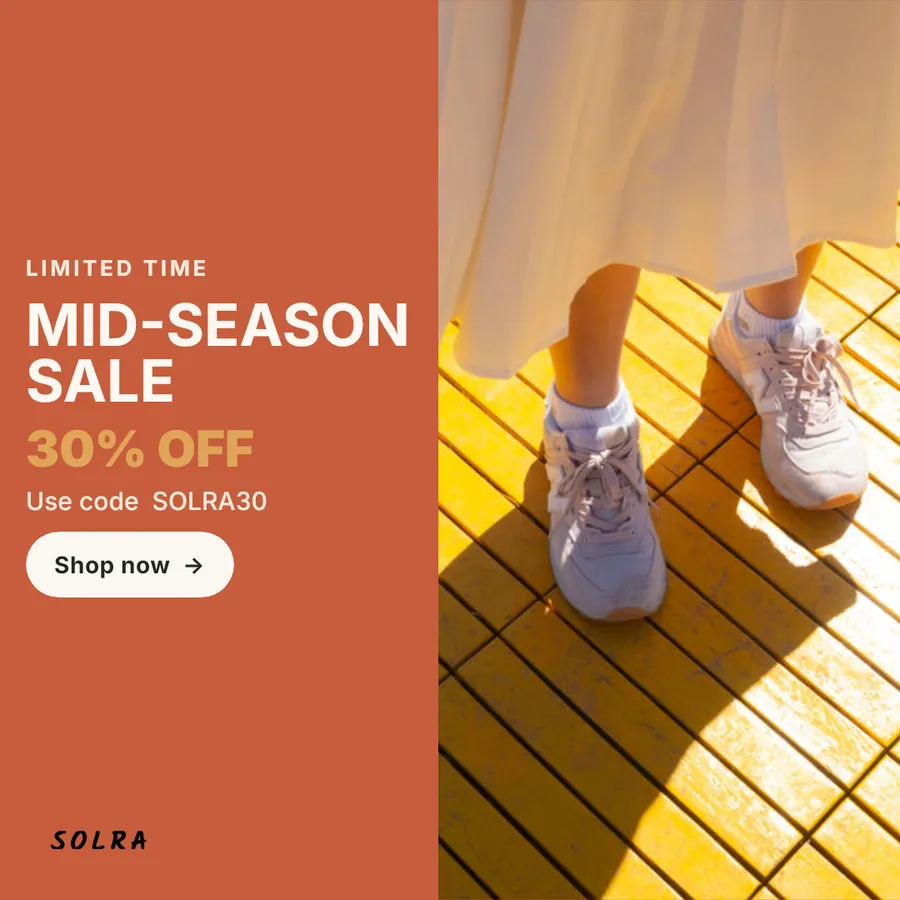
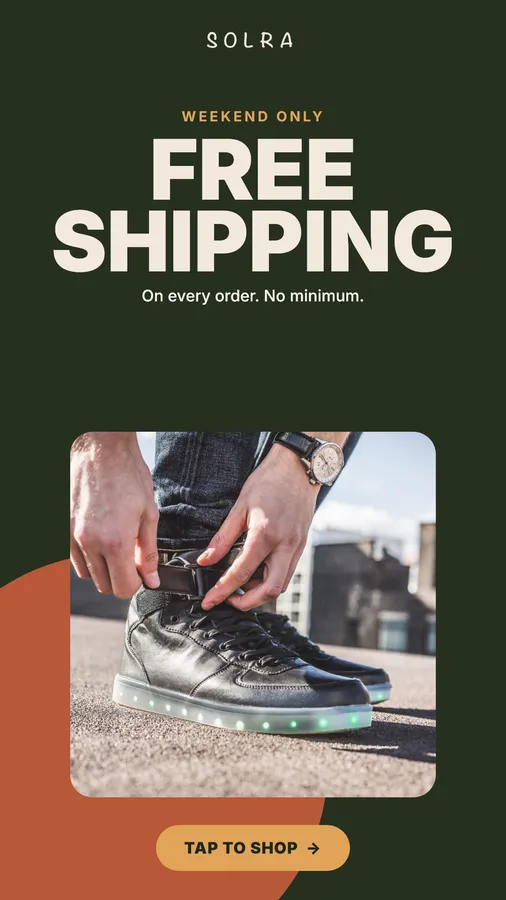
Start from one of these.
Features used
Campaign feeds
Connect a catalog once and run it through several templates in a single batch: square, story and banner, all from the same rows.
Bulk generation
Import rows, map fields, fix data in a grid, validate and preview before a single credit is spent. Then generate and watch each creative finish live.
Motion and video
Animate any template on a timeline with keyframes, text reveals and audio, then export MP4 and GIF for every row. Combine templates into storyboards.
Does Kalpana change anything in my Shopify store?
No. Kalpana reads products and collections. It does not write to your store.
Can I pick which products get creatives?
Yes. Choose a collection or filter the products before you run the batch.
Ready when your catalog is
Run your next sale from one design.
Import a Figma frame, connect your catalog and preview every row before you spend a credit.