 kalpana
Brands running seasonal sales
Every sale creative, ready before the sale starts.
Black Friday, Diwali, end of season. Produce discount cards, stories and banners for the whole catalog with a visibility field that shows the badge only on discounted products.

Field Watch 38mm
$149
How it works
Four steps, then it runs itself.
- 01
Add visibility rules
Badges and struck-through prices show only on discounted rows.
- 02
Update prices in the sheet
Late price changes are an edit in the sheet, not a design task.
- 03
Add motion
Animate the price reveal and export stories as MP4.
- 04
Run again
Regenerate the whole pack from the updated sheet when anything changes.
What you get
The pack, not the busywork.
- Discount cards, stories and banners
- Every product, in each template size
- Video and static from one template
- One click to run again
The crunch
Sales are when creative volume peaks and time is shortest. Prices get confirmed late, and every change means another round of exports.
With Kalpana
Update the sheet, run the batch again. Every product is regenerated through the same templates, including MP4 stories.
Templates
Start from one of these.

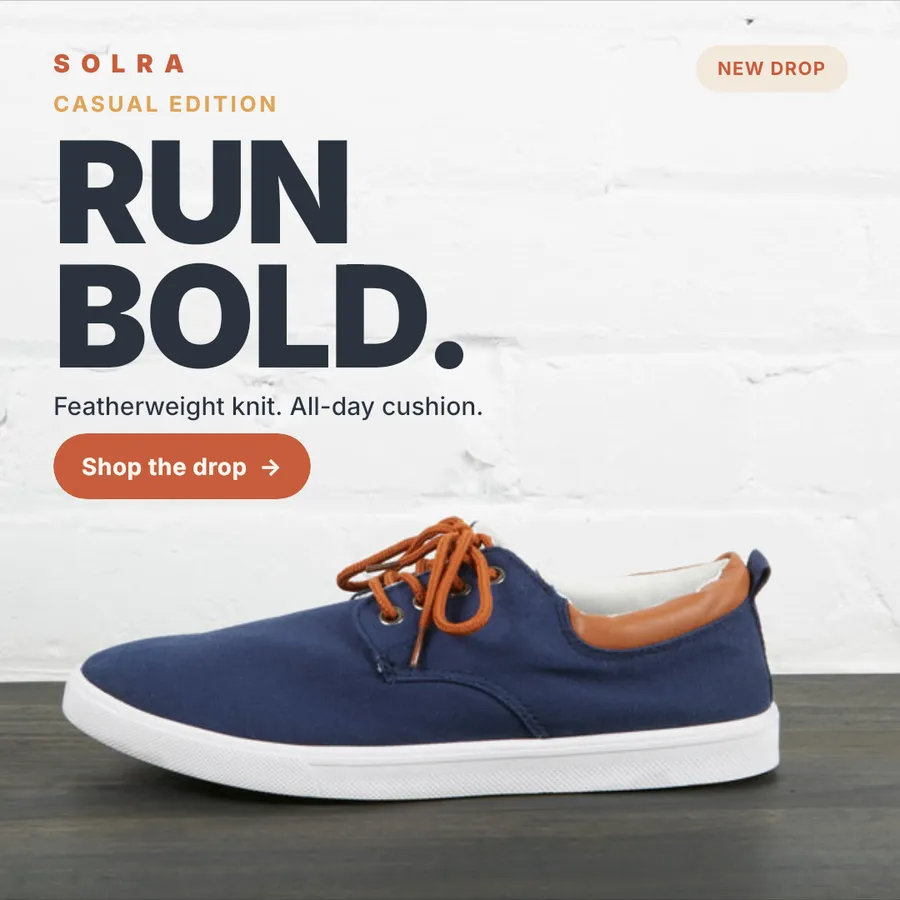


Features used
Motion and video
Animate any template on a timeline with keyframes, text reveals and audio, then export MP4 and GIF for every row. Combine templates into storyboards.
Campaign feeds
Connect a catalog once and run it through several templates in a single batch: square, story and banner, all from the same rows.
Template editor
A full property editor for every layer: auto-layout, fills, strokes, effects and type, plus the variables that bind each layer to your data.
What if only some products are discounted?
Use a visibility rule. The discount badge and original price show only on rows that have a discount.
Ready when your catalog is
Run your next sale from one design.
Import a Figma frame, connect your catalog and preview every row before you spend a credit.