 kalpana
AI image editing
Fix and extend product images without leaving Kalpana
Describe an edit in plain words or expand a photo to a new aspect ratio with generative fill. Results go straight into your asset library.
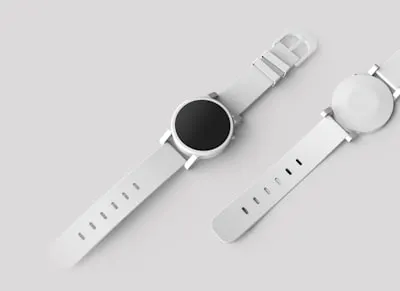 Generative expand
01
Expand to any ratio
A square product shot becomes a story or a banner. Generative expand fills the new space to match the scene.
- Outpaint to new sizes
- Up to 5000 by 5000 pixels
- Keeps the product untouched
02
Edit with a prompt
Change the setting, the light or the background by describing it.
- Prompt-based edits
- Crop and resize
- Saved back to your library
Collections
- Products
- Brand
- Fonts
- Audio
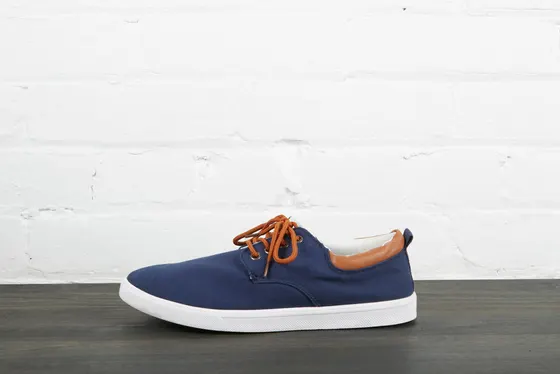

In the box
What ai image editing includes.
Generative expand
Extend images to fit 9:16, 16:9 and more.
Prompt edits
Describe the change you want in plain words.
Crop and resize
Quick framing fixes for any asset.
Into the library
Edited images are ready to use in any template.
How is AI editing billed?
AI edits use AI credits, which are separate from creative credits and can be topped up.
Related features
Figma import
Send any Figma frame to Kalpana with the plugin. Layers, fonts, effects and auto-layout arrive intact, ready to bind to data.
Template editor
A full property editor for every layer: auto-layout, fills, strokes, effects and type, plus the variables that bind each layer to your data.
Campaign feeds
Connect a catalog once and run it through several templates in a single batch: square, story and banner, all from the same rows.
Ready when your catalog is
Run your next sale from one design.
Import a Figma frame, connect your catalog and preview every row before you spend a credit.